How to Optimize STL Files for Faster Printing
Need to make your 3D prints faster? This guide explains how to optimize STL files for faster printing by reducing unnecessary detail, improving orientation, and preparing the model efficiently.
News, tips, guides and tutorials from the world of 3D printing

Need to make your 3D prints faster? This guide explains how to optimize STL files for faster printing by reducing unnecessary detail, improving orientation, and preparing the model efficiently.

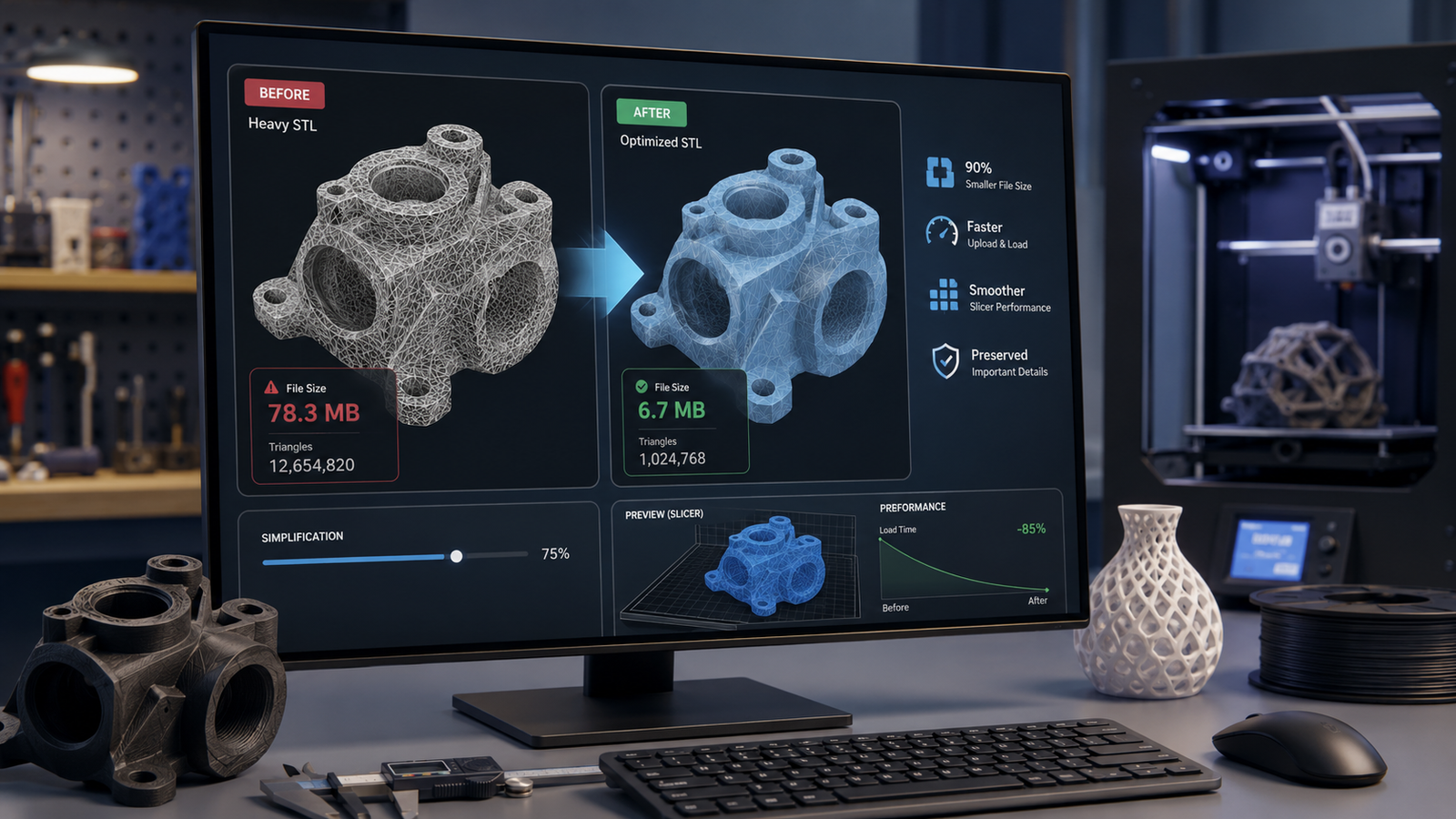
Large STL files can slow down uploads and slicer performance. This guide explains how to reduce STL file size for 3D printing without ruining the model.

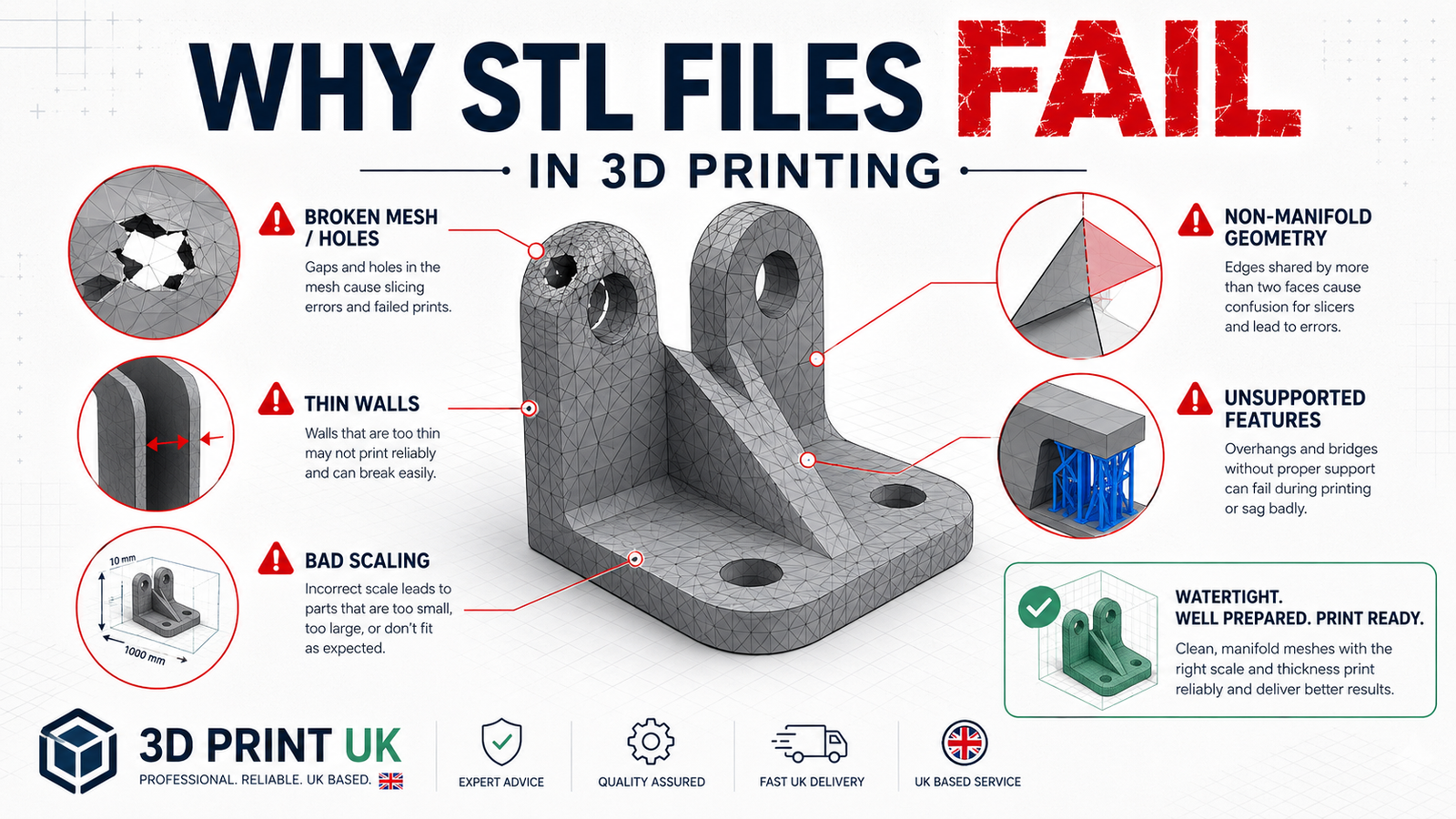
Why do STL files fail in 3D printing? This guide explains the most common causes, from broken mesh geometry to thin walls, scaling errors, and poor printability.

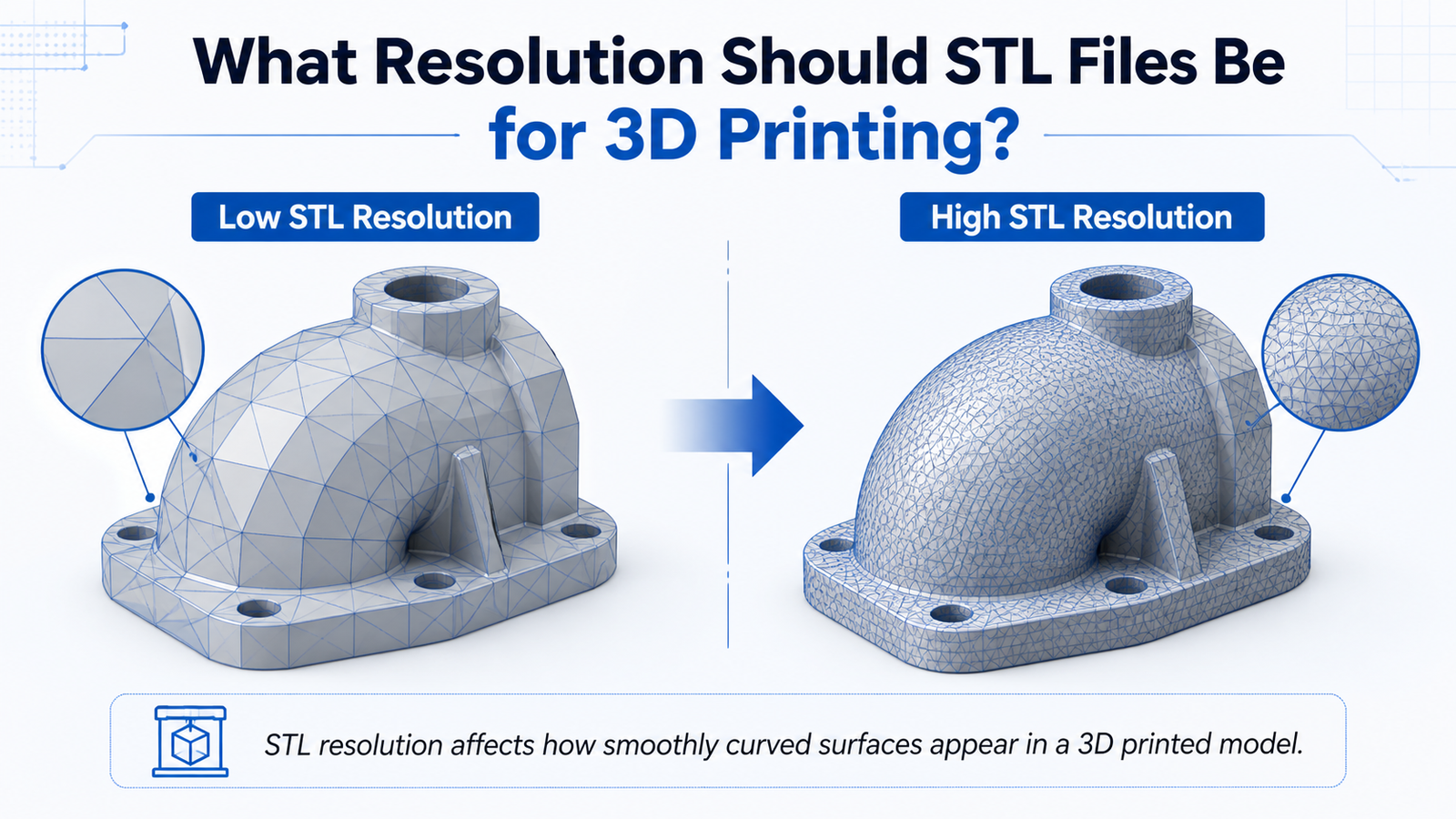
Not sure what STL resolution to use for 3D printing? This guide explains how STL mesh detail affects print quality, file size, and export settings.

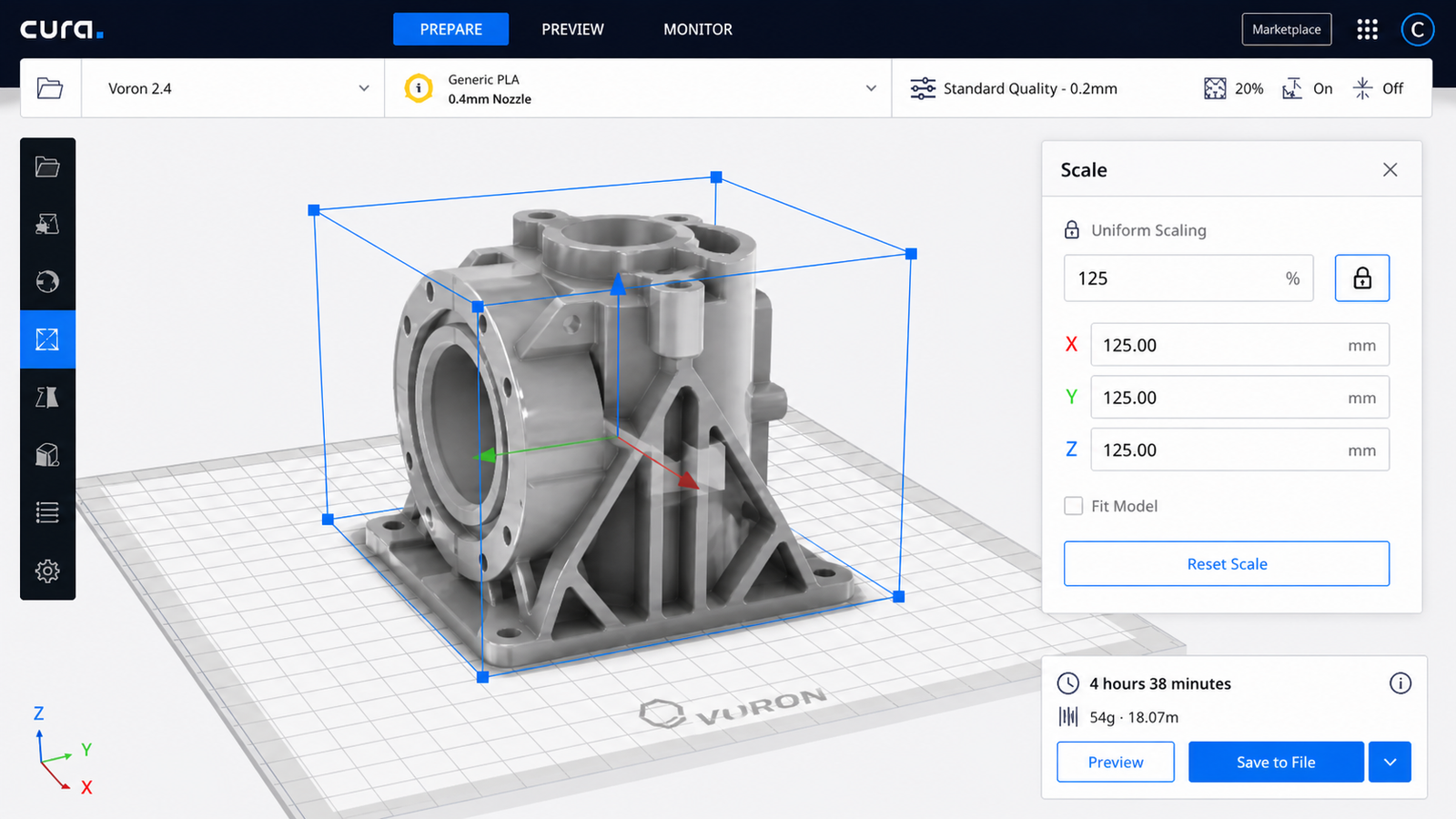
Need to resize an STL file before printing? This guide explains how to scale STL files correctly, how to calculate scale percentage, and what to check before 3D printing.

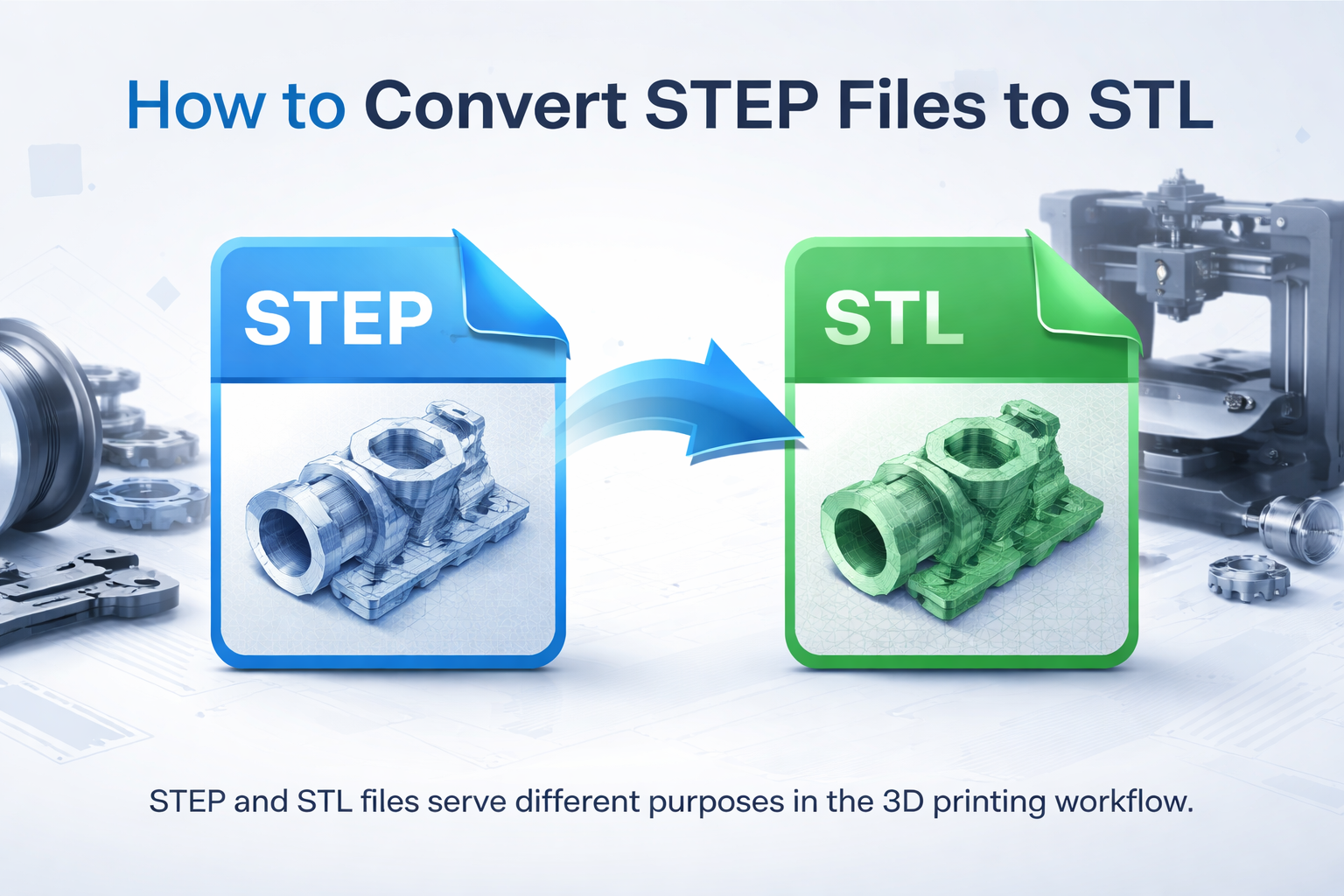
Need to convert a STEP file to STL for 3D printing? This guide explains the best software, the conversion process, common problems, and how to prepare your model for printing.

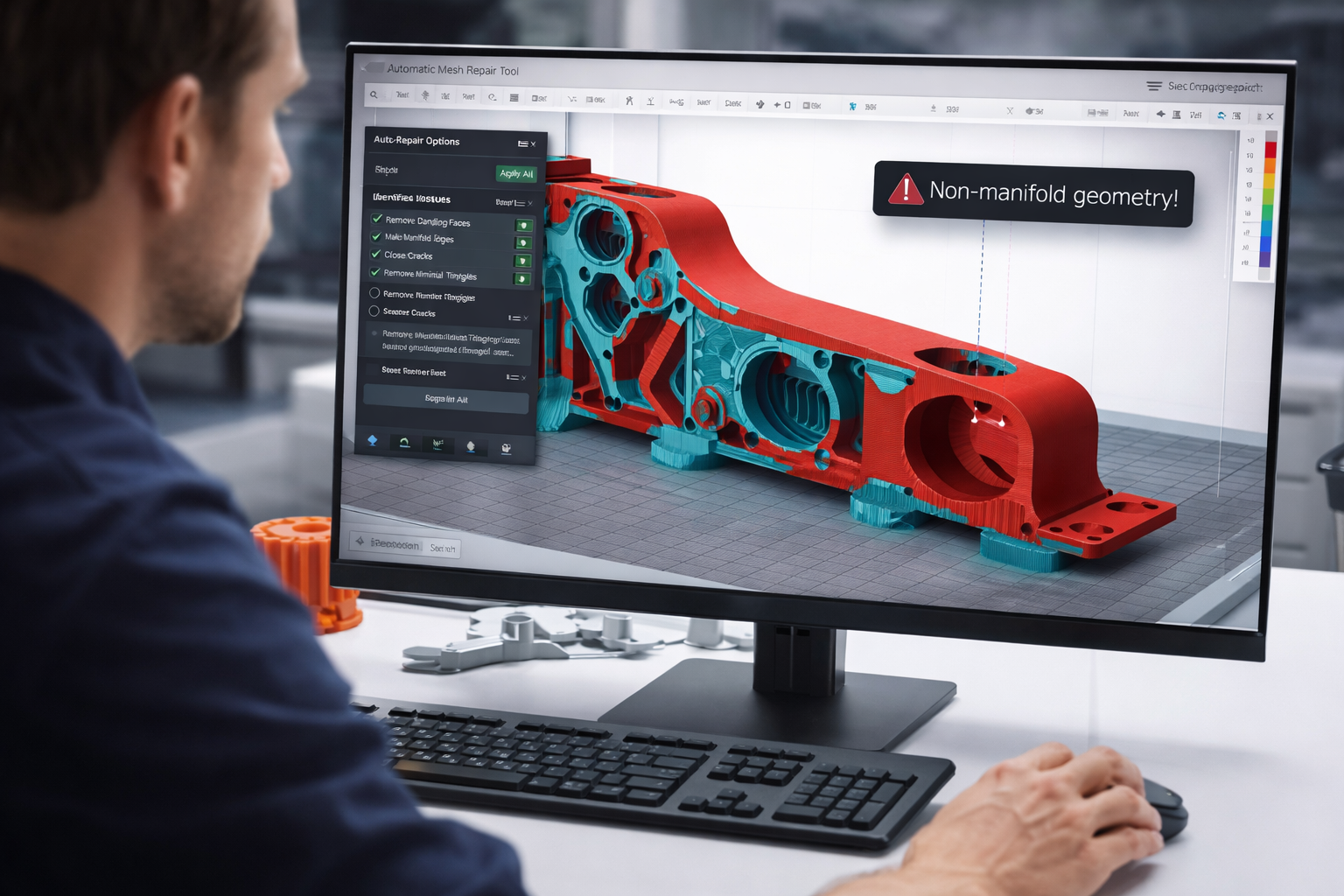
Broken STL files can cause slicing errors and failed 3D prints. This guide explains how to detect and repair STL mesh problems using simple tools and professional techniques.

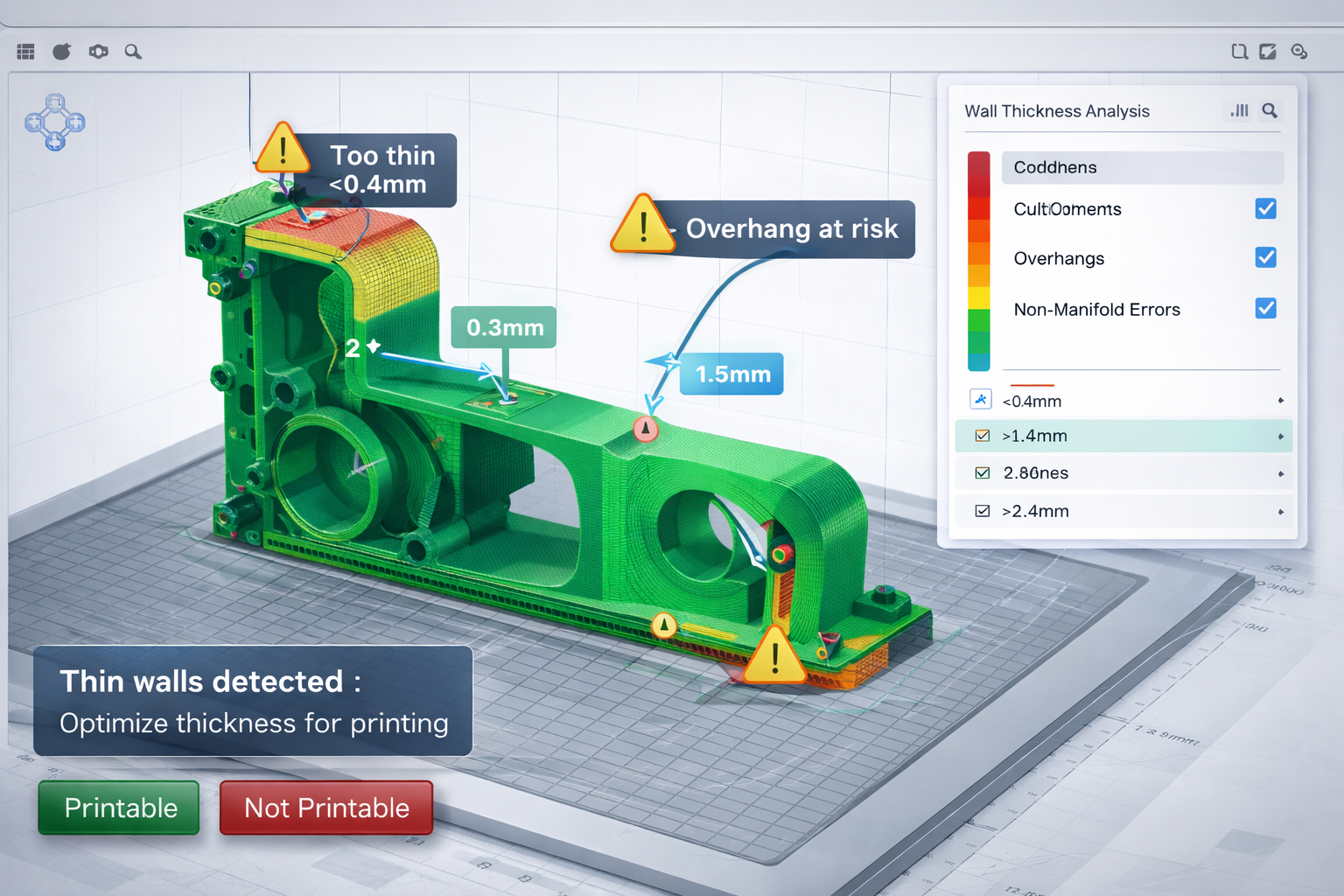
Not sure if your 3D model is ready for printing? Learn how to check if an STL file is 3D printable, detect mesh errors, verify wall thickness, and prepare your model before sending it to a 3D printer.

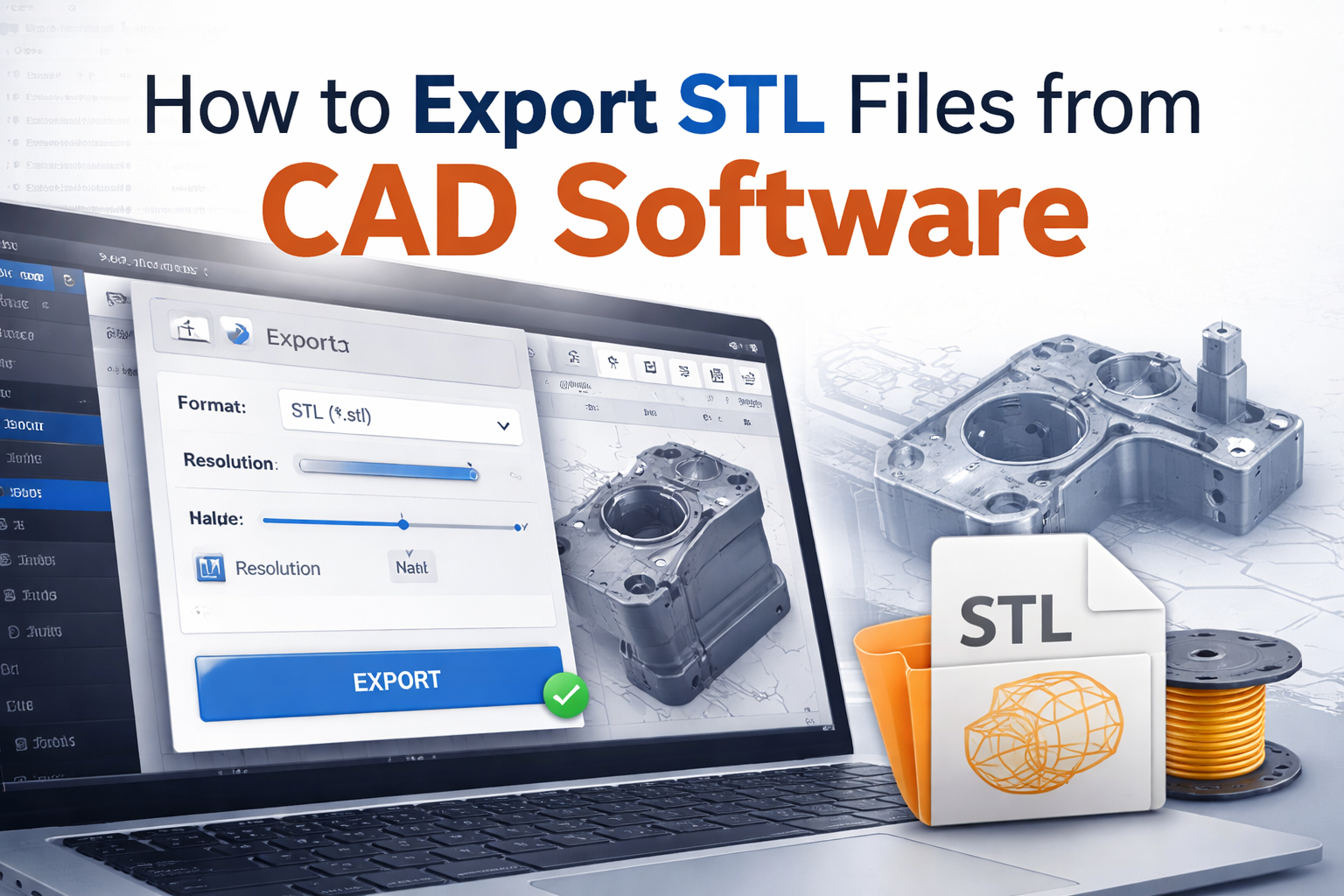
Exporting an STL file correctly is essential for successful 3D printing. In this guide, we explain how to export STL files from CAD software, what settings matter most, and how to avoid common resolution, scaling, and mesh errors before printing.