

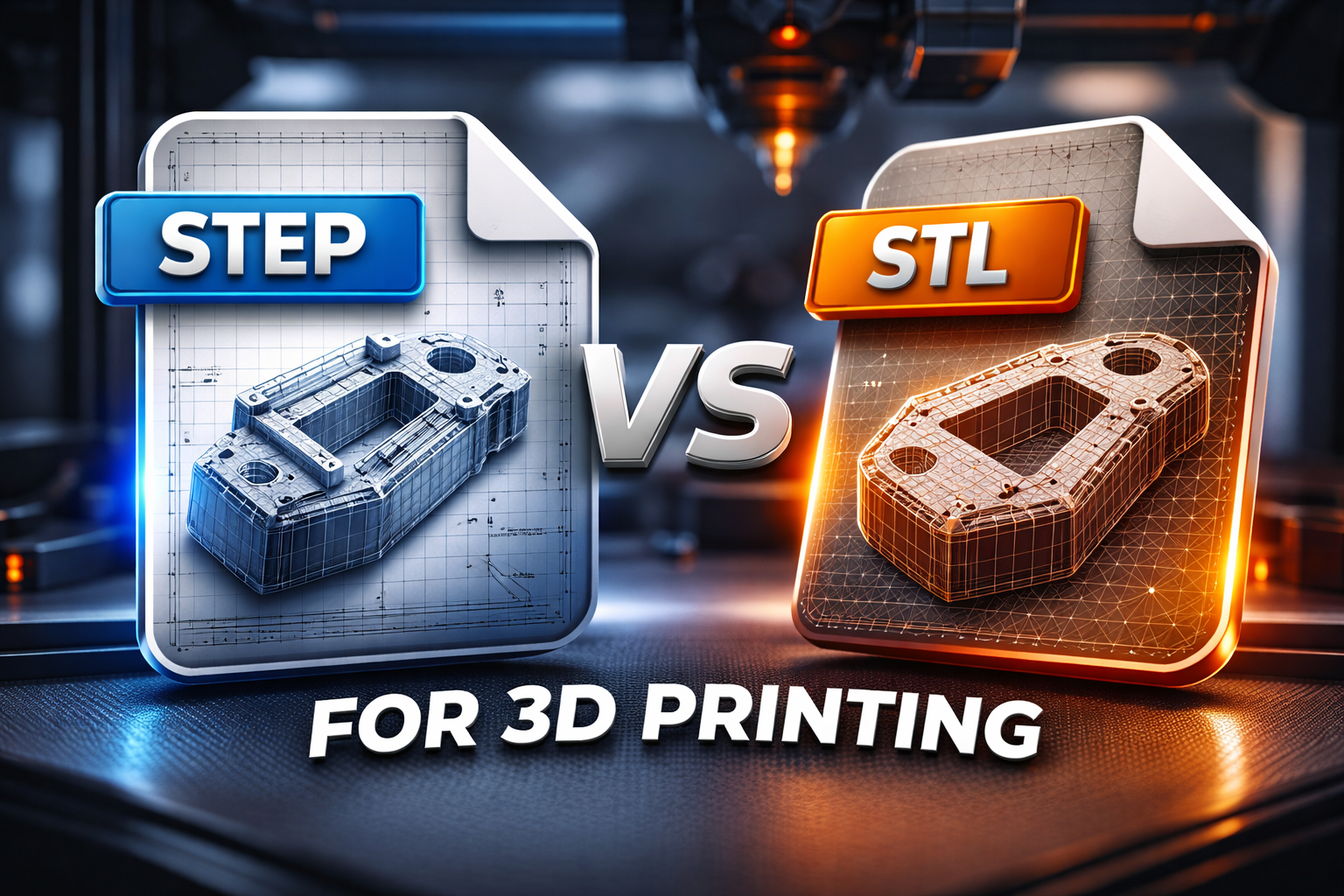
When preparing a 3D model for printing, one of the most common questions designers and engineers ask is: Should I use a STEP file or an STL file for 3D printing?
Both file formats are widely used in the 3D printing workflow, but they serve different purposes. Understanding the difference between them can help you avoid printing errors, improve model accuracy, and make collaboration with a 3D printing service much easier.
In this guide, we will explain the key differences between STEP and STL files, when to use each format, and how to prepare your files correctly for successful 3D printing.
STL is the most common file format used in 3D printing. The name originally stood for Standard Tessellation Language.
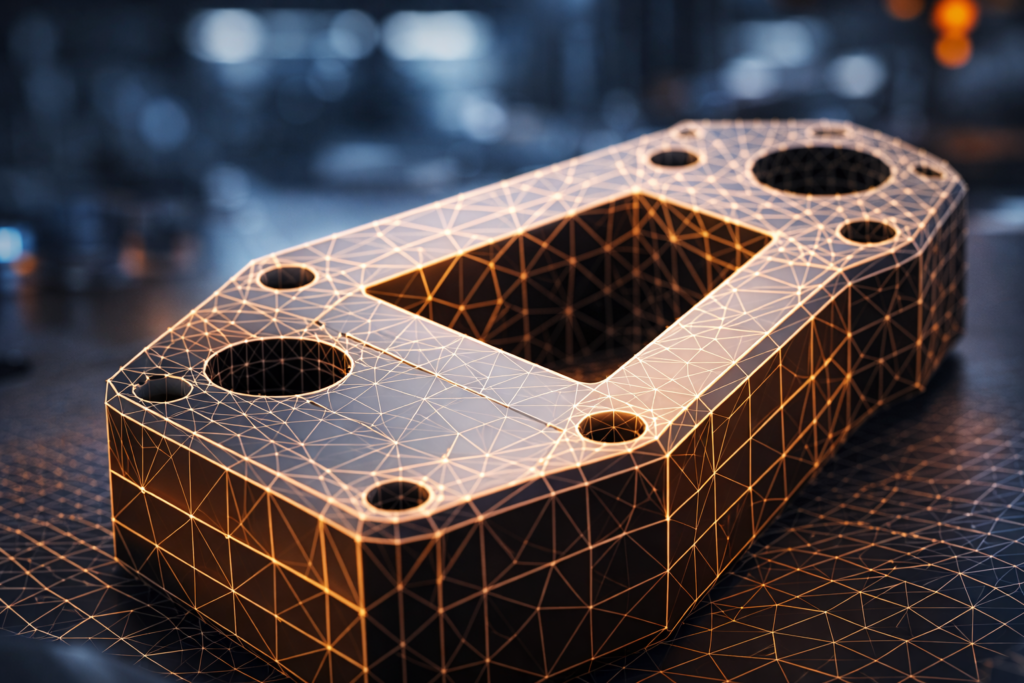
An STL file represents the surface of a 3D object using a mesh made of thousands of tiny triangles. These triangles approximate the geometry of the model so slicing software can generate the layers needed for printing.
Because of its simplicity, STL is supported by almost every:
If you are uploading a model to an online printing service, most of the time the system will expect an STL file.
If you are not sure how to prepare your STL model correctly, read our guide
How to Prepare an STL File for 3D Printing
STEP files are very different from STL files. A STEP file is a CAD format that stores parametric 3D geometry.
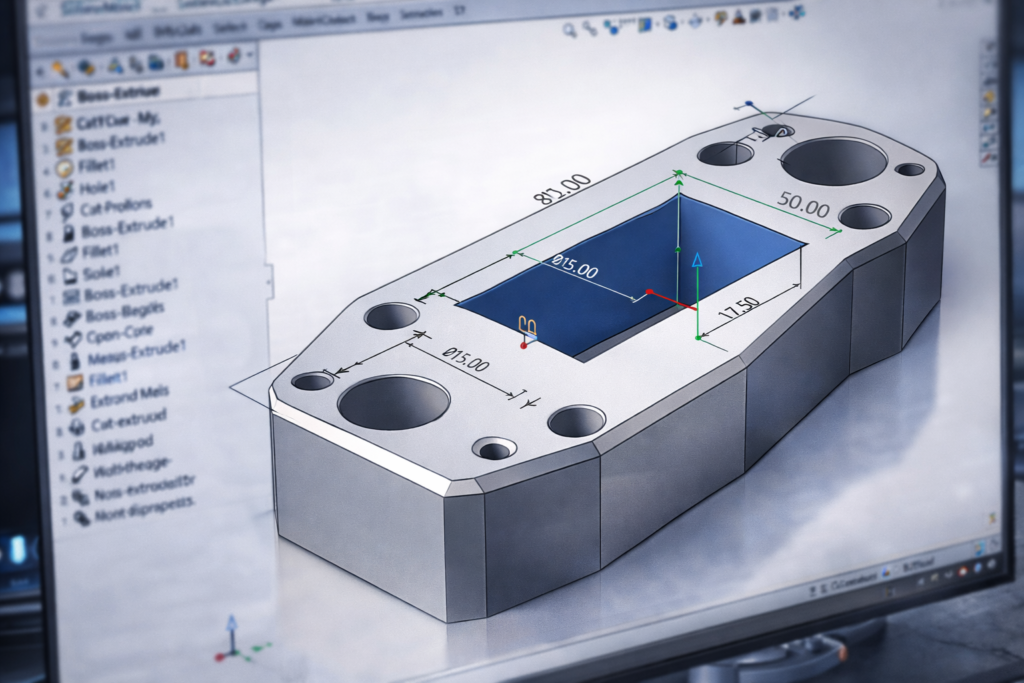
This means the model is not stored as triangles but as mathematical surfaces and solids. Because of that, STEP files are commonly used in professional CAD software such as:
STEP files are mainly used for design and engineering, not directly for printing.
However, many professional 3D printing services prefer receiving STEP files because they contain more accurate geometric information.
Here is a simple comparison between both formats.
| Feature | STL | STEP |
|---|---|---|
| Geometry type | Triangle mesh | Mathematical surfaces |
| File purpose | 3D printing | CAD design |
| Editing capability | Very limited | Fully editable |
| Accuracy | Depends on mesh resolution | Very high precision |
| File size | Usually smaller | Often larger |
In most cases, the workflow looks like this:
CAD model → STEP file → Export → STL file for printing
STL is the standard format used by slicing software and most 3D printers.
You should use STL when:
If your model is already in STL format, you can easily upload it for production here:
This allows you to upload your file and receive a fast 3D printing quote.
STEP files are usually used earlier in the design process.
They are preferred when:
Because STEP files contain full geometric information, they are easier to edit compared to STL meshes.
Some professional printing services also accept STEP files directly because they can convert them internally before slicing.
If your model is stored as a STEP file, it will usually need to be converted to STL before printing.
Most CAD software allows exporting STEP files as STL using the export function.
Common software used for conversion includes:
When exporting STL files, it is important to choose the correct mesh resolution.
Higher resolution means:
But it also creates larger files.
If you want to learn more about STL export settings, see:
Best File Formats for 3D Printing (STL vs STEP vs OBJ)
Because STL files are mesh-based, they can sometimes cause printing problems.
Typical issues include:
These problems may cause slicing errors or failed prints.
If you want to learn how to fix these issues, read:
Common STL File Errors and How to Fix Them
Once your model is ready, the next step is simply uploading the file and selecting your material.
Most 3D printing services support formats such as:
If you already have a model prepared, you can upload it here:
Our online system will calculate the price automatically based on:
Both STEP and STL files are essential in the 3D printing workflow, but they serve different roles.
STEP files are best used for design and engineering, while STL files are used for actual 3D printing.
In most workflows, designers create models in CAD software, save them as STEP files, and then export them as STL files for slicing and printing.
Understanding the difference between these formats can help avoid common printing issues and ensure your models print accurately the first time.
If you already have a model ready, you can easily upload it and get a fast quote using our Online 3D Printing Service UK.