

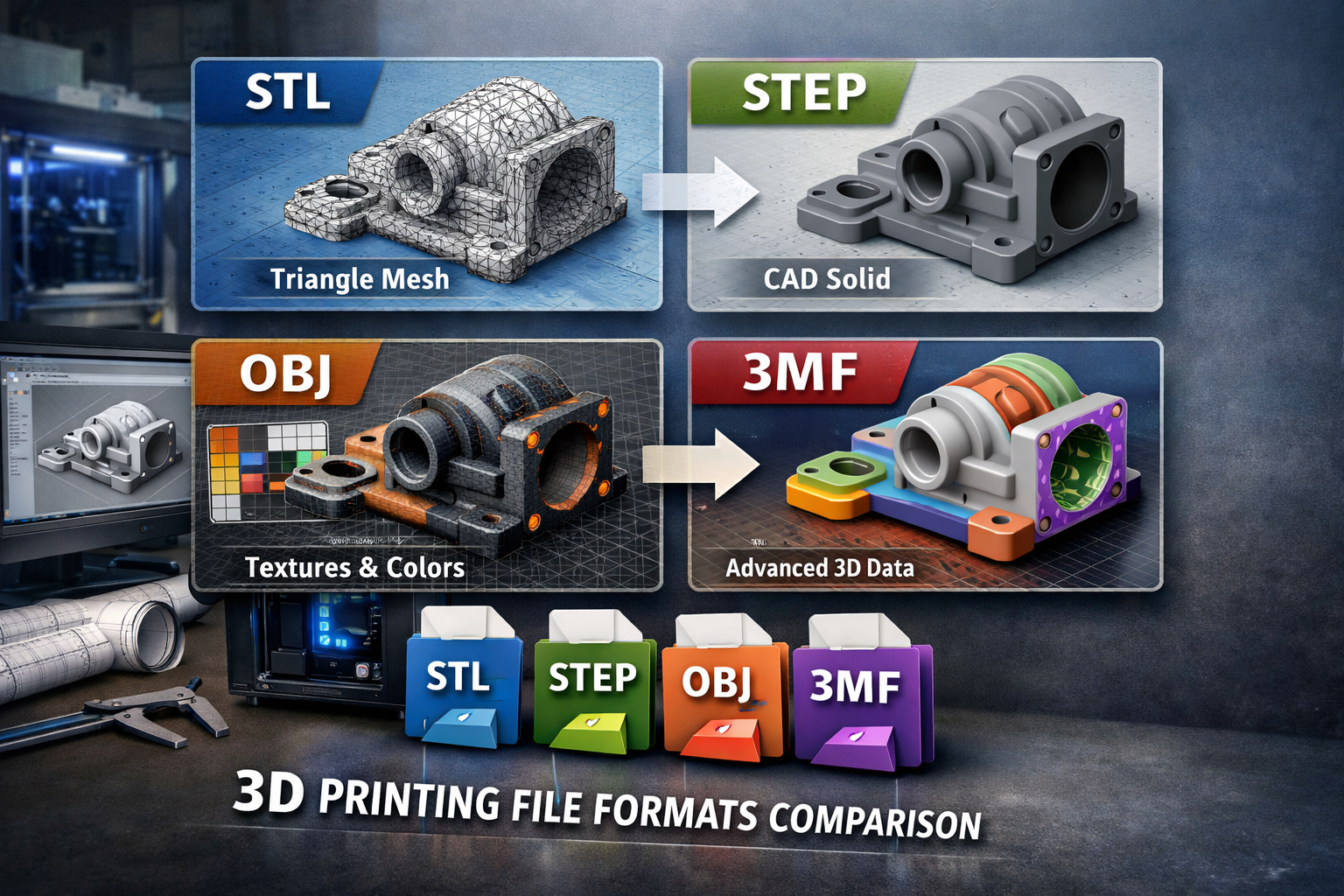
3D printing begins with a digital model, but the file format you export can significantly affect print quality, compatibility, and workflow. Many beginners assume that any 3D file will work with a 3D printer, but in reality different formats contain different types of information.
Some formats store only geometry, while others preserve parametric data, scale, materials, or color information. Choosing the correct format helps avoid common issues such as mesh errors, incorrect scaling, or slicing failures.
In this guide we explain the best file formats for 3D printing, how they differ, and which format you should use when preparing a model for a professional 3D printing service.
If you already have a 3D model ready, you can upload it directly to our Print STL File UK page to receive an instant quote.
3D printers cannot read native CAD files directly. Instead, the design must be exported into a format that slicing software can interpret and convert into machine instructions.
Different file formats influence:
Choosing the wrong format can lead to non-manifold geometry, broken meshes, or incorrect scaling, which may prevent a model from printing successfully.
Many of these problems are explained in our guide Common STL File Errors and How to Fix Them.
Understanding file formats is therefore an important step in preparing a 3D printable model.
Several file formats are widely used in the 3D printing workflow. The most common formats include:
Each format serves a different purpose depending on whether you are designing, editing, or printing a model.
STL (Standard Tessellation Language) is the most widely used file format in 3D printing. Nearly every slicing software and 3D printing service supports STL files.
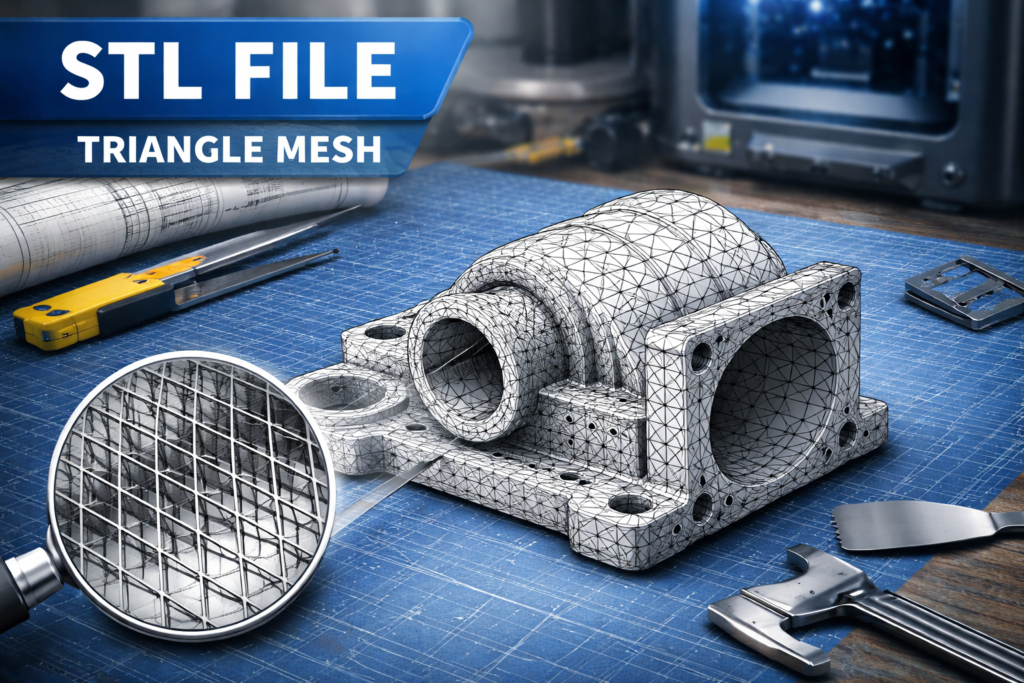
Instead of storing surfaces as mathematical curves, STL converts the model into a mesh made of thousands of small triangles.
Advantages of STL files:
However, STL files also have limitations. They do not store units, colors, or parametric information, meaning the model becomes a fixed mesh once exported.
This is why it is important to export STL files correctly from CAD software. If you are unsure how to do this, read our step-by-step guide How to Prepare an STL File for 3D Printing.
Despite its limitations, STL remains the default file format used by most 3D printing services worldwide.
STEP files are commonly used in professional CAD workflows. Unlike STL files, STEP files preserve parametric geometry and editable surfaces.
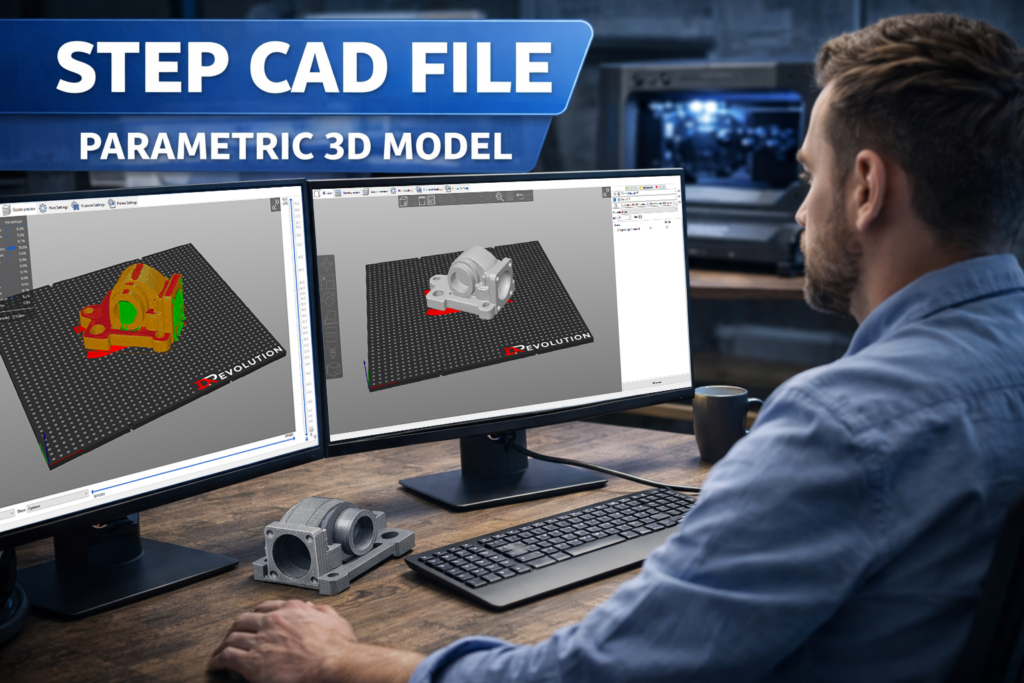
This makes STEP ideal for engineering and manufacturing environments where designs need to be modified or updated.
Advantages of STEP files:
Because STEP files store mathematical surfaces instead of triangles, they can be converted into high-quality STL meshes when preparing a model for printing.
Most professional 3D printing services accept STEP files and convert them internally before printing.
OBJ files are commonly used in 3D graphics, animation, and game development, but they are also compatible with many 3D printing workflows.
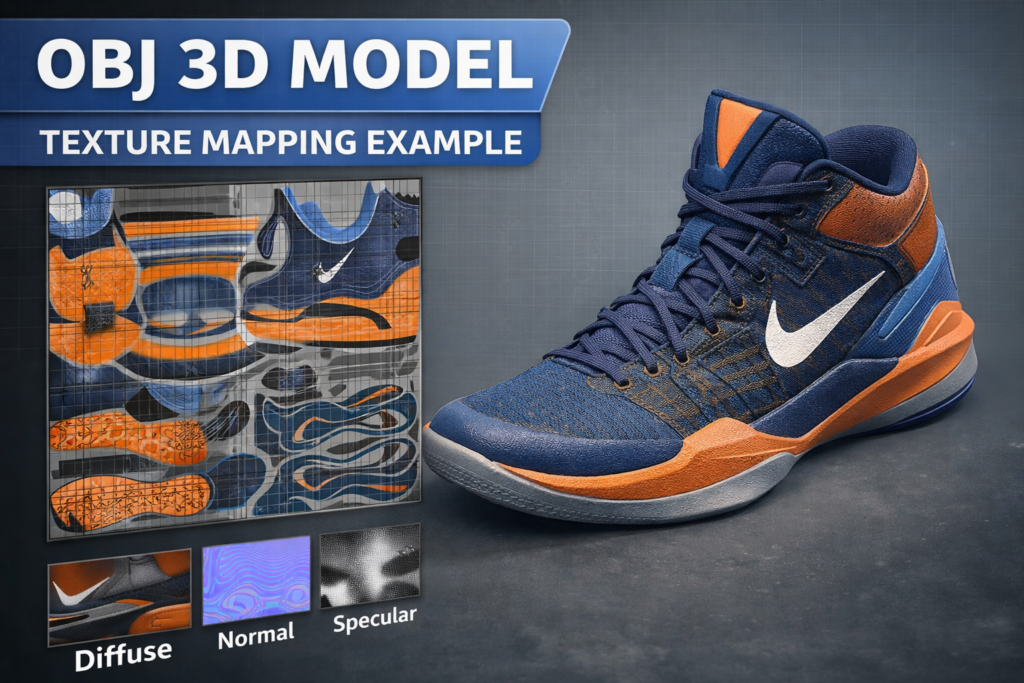
Unlike STL files, OBJ supports:
This makes OBJ useful for projects where visual appearance matters, such as figurines, artistic models, or multi-color designs.
However, for most functional parts and prototypes, STL or STEP files are usually more common.
3MF (3D Manufacturing Format) is a newer file format designed specifically for additive manufacturing.
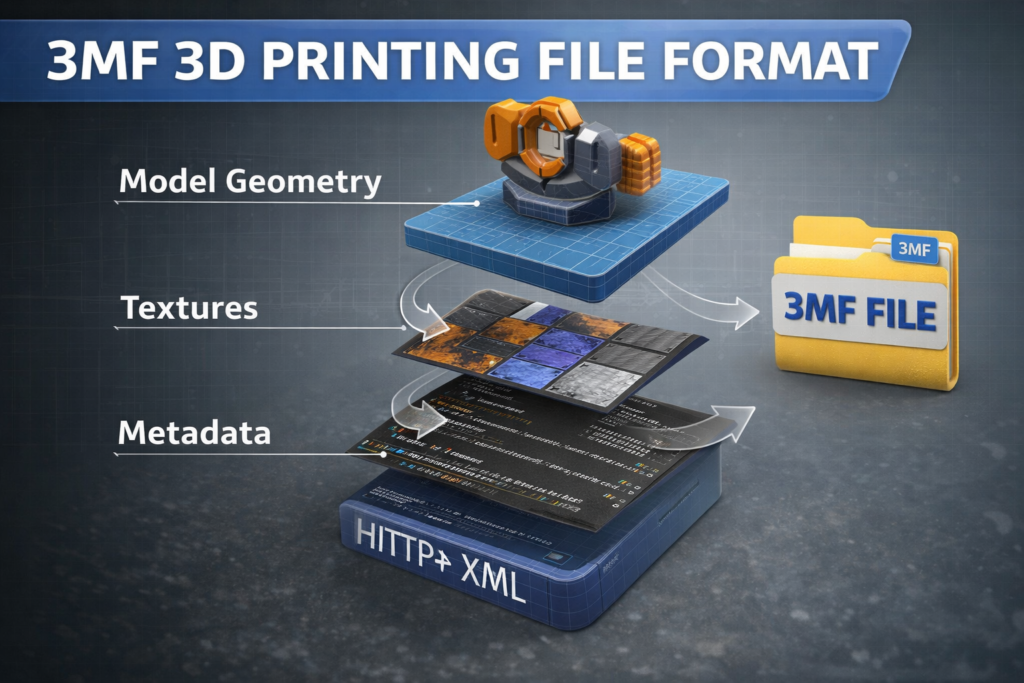
It was created to solve several limitations of STL files.
3MF supports:
Modern slicing software such as Cura and PrusaSlicer increasingly support 3MF files because they provide more detailed printing information.
Although STL remains the most common format, 3MF is often considered the next generation 3D printing file format.
For most 3D printing projects, the recommended workflow is simple.
If you are designing in CAD:
Export the model as STL or STEP.
If you are working with graphics models:
OBJ or 3MF may also be suitable.
In general:
| File Format | Best Use Case |
|---|---|
| STL | Standard 3D printing format |
| STEP | Engineering CAD models |
| OBJ | Colored or complex models |
| 3MF | Modern slicer workflows |
Most professional printing services prefer clean STL files because they are easy to process in slicing software.
Before exporting your model, make sure it meets the requirements for a printable design. You can learn more in our guide How to Make Your Model 3D Printable.
Regardless of the format used, every model must meet certain technical requirements before it can be printed.
A 3D printable file should:
Many models downloaded from the internet contain hidden geometry issues that can cause failed prints.
If your model fails during slicing, the problem is often related to non-manifold edges, holes in the mesh, or intersecting surfaces.
These problems are discussed in detail in our article Common STL File Errors and How to Fix Them.
Taking a few minutes to check your file can prevent wasted material and failed prints.
Once your model is prepared in the correct file format, the next step is simple.
Upload the file to a professional 3D printing service and receive a price estimate based on:
At 3DRevolution.co.uk, we support multiple file formats including STL, STEP, OBJ, and 3MF.
Simply upload your model through our Print STL File UK page and receive an instant quote for your project.
Our UK-based 3D printing service is used by:
Whether you need a single prototype or a small production run, we provide reliable 3D printing with fast turnaround times.
Choosing the correct file format is an important step in the 3D printing workflow. While STL remains the most widely used format, other formats such as STEP, OBJ, and 3MF also play important roles depending on the project.
Understanding the strengths and limitations of each format helps ensure that your model prints correctly and avoids common geometry errors.
If you are preparing a model for 3D printing, make sure the file is clean, properly scaled, and exported in a compatible format.
Once your file is ready, you can upload it directly to our Print STL File UK page to receive a fast quote and start your 3D printing project.